Asset showcase
See the brand marks, live motion, crests, figurines, and typography before using them.
Try the real CDN assets, then open their guides for installation and usage. Every example stays inside this documentation website.
Preview
The identity in motion
The wordmark draws into the portrait and back continuously here, without holds between states. Change the surface to compare cream, olive, or orange and charcoal, or turn animation off to inspect the static mark. Reduced-motion preferences are respected. The drop-in below retains its original timing.

Motion guide and static variants · Original wordmark SVG

Static marks and favicons
The original SVG, with its own viewBox and proportions.

 Light browser chrome
 Dark browser chrome
Copy the theme-aware favicon pair.
Shaughnessy crests


The brand guide has both original downloads. The portfolio footer example pairs the main mark with the separate, strengthened footer crest at the source layout’s proportions.
Portrait loader
The lenses fill and drain before the portrait becomes a soft blob and returns. The preview uses the published loader; its timing and geometry stay intact. Turn animation off to show the portrait at rest.
Loader integration and reduced motion.
Figurines

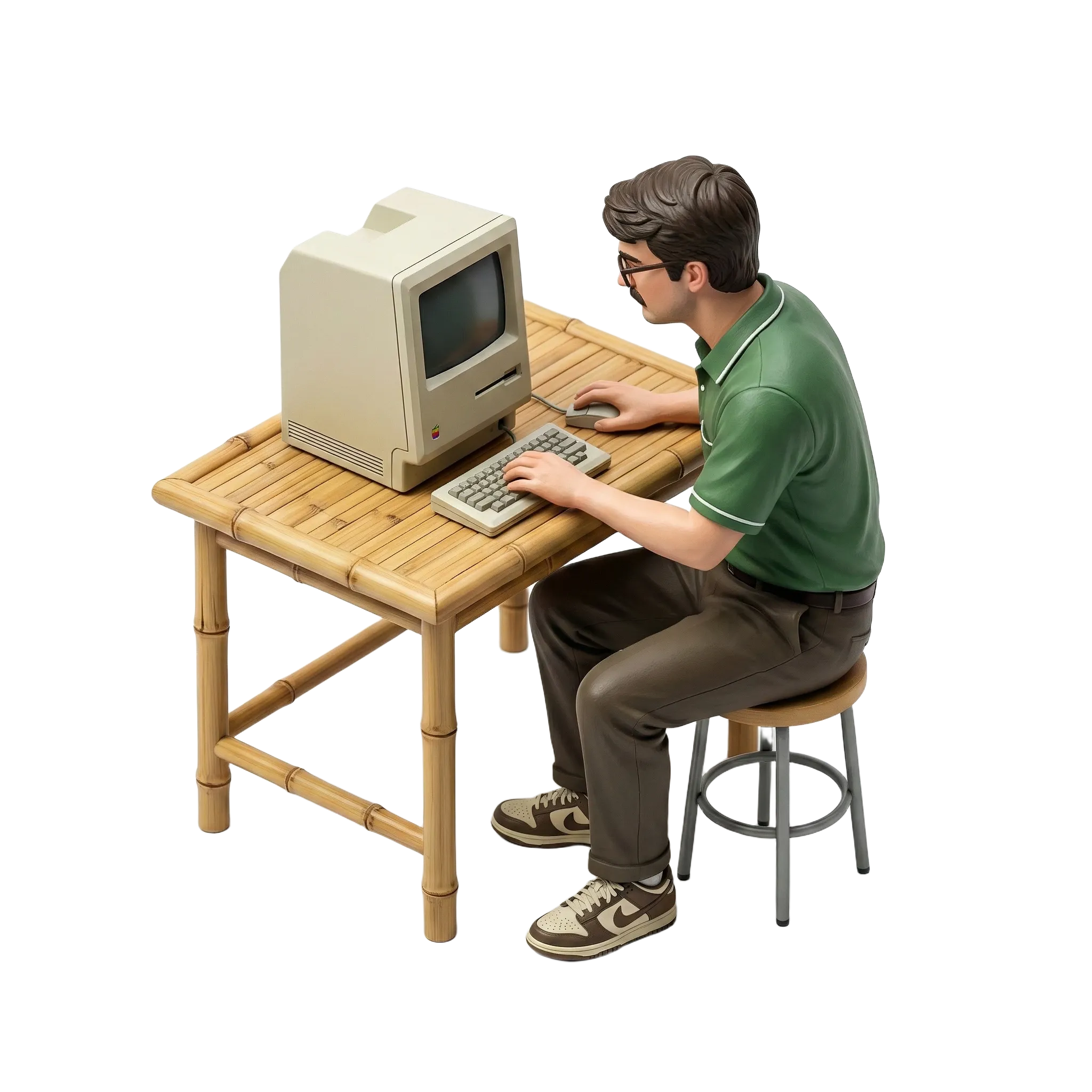
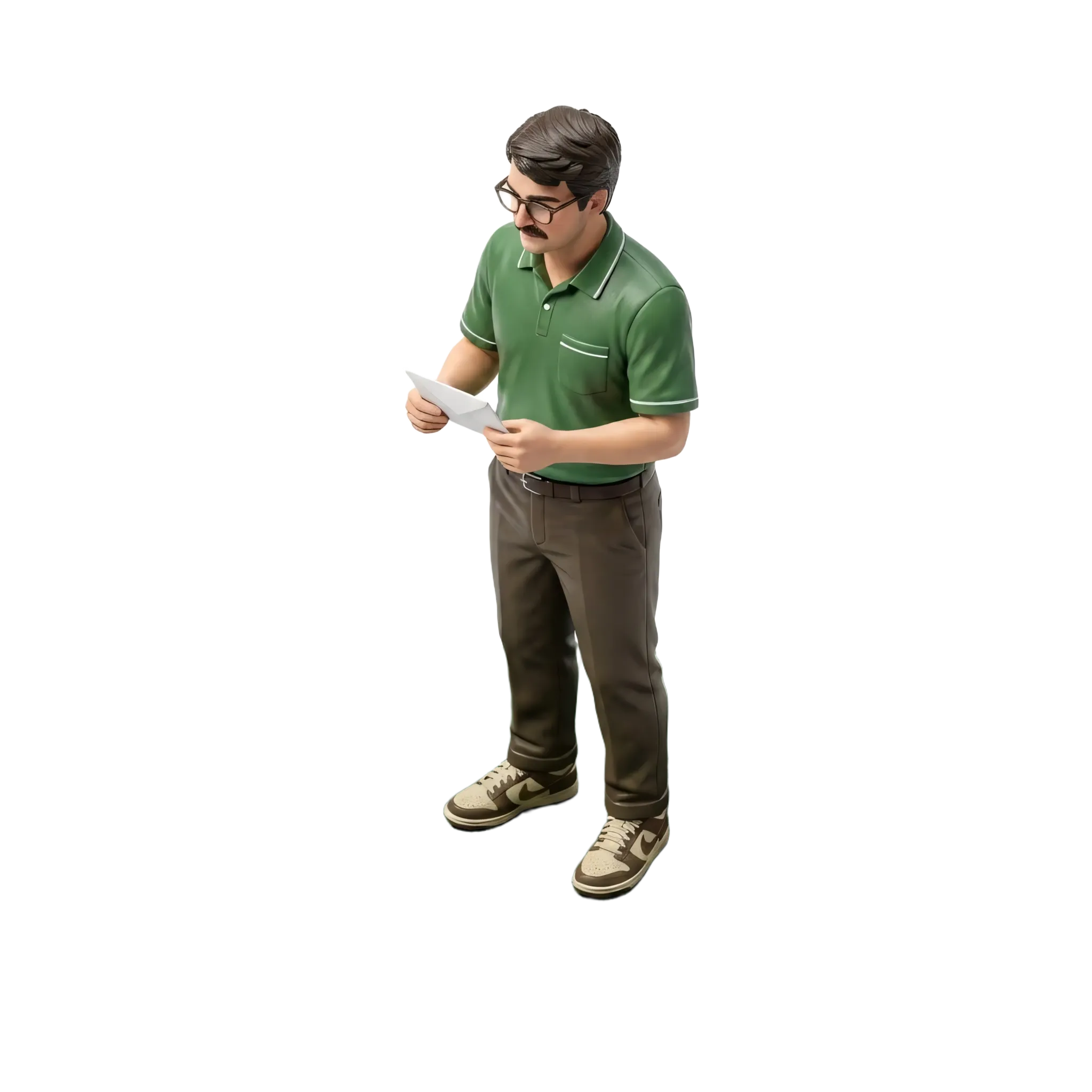
Type you can try
Makira is the default sans, Geist Mono the default mono, and Geist Serif the default serif. Geist Sans, Paper Mono, and Michelangelus are alternates. Choose any hosted family, enter text, and adjust its supported weight, style, or element shape. Use Share this section to copy a link that restores your selection and sample.
Make the headline count. ij!? 0123456789
font-family: "Geist Mono Variable"; font-weight: 450;Use on your site
| Asset | Guide |
|---|---|
| Fonts and variable weights | Fonts |
| Wordmarks, favicons, crests, and figurines | Brand assets |
| Animated mark and loader | Motion |
| Cursor and typing caret | Custom cursor |
| Frosted select controls | Dropdowns |
| Optional moving texture | Ambient background |
| Paired logos and copyright | Footer |
The cursor and dropdowns are active throughout this site. Their guides include focused previews and customization controls; the ambient background has its own optional preview.
Reference
Fetch the catalog for exact asset URLs and metadata. Start with Quickstart for the shared site setup.