Brand assets
Official wordmarks, responsive favicons, and transparent figurines ready to place.
Identity files live under /brand/shaughv/; the Shaughnessy crests live under /brand/crests/. Link them. Do not redraw the mark or recrop a figurine unless you are producing a new named asset.
Preview
Wordmark
The static fallback when the animated mark is not loaded.

Favicons
 Dark favicon
Light scheme
 Light favicon
Dark scheme
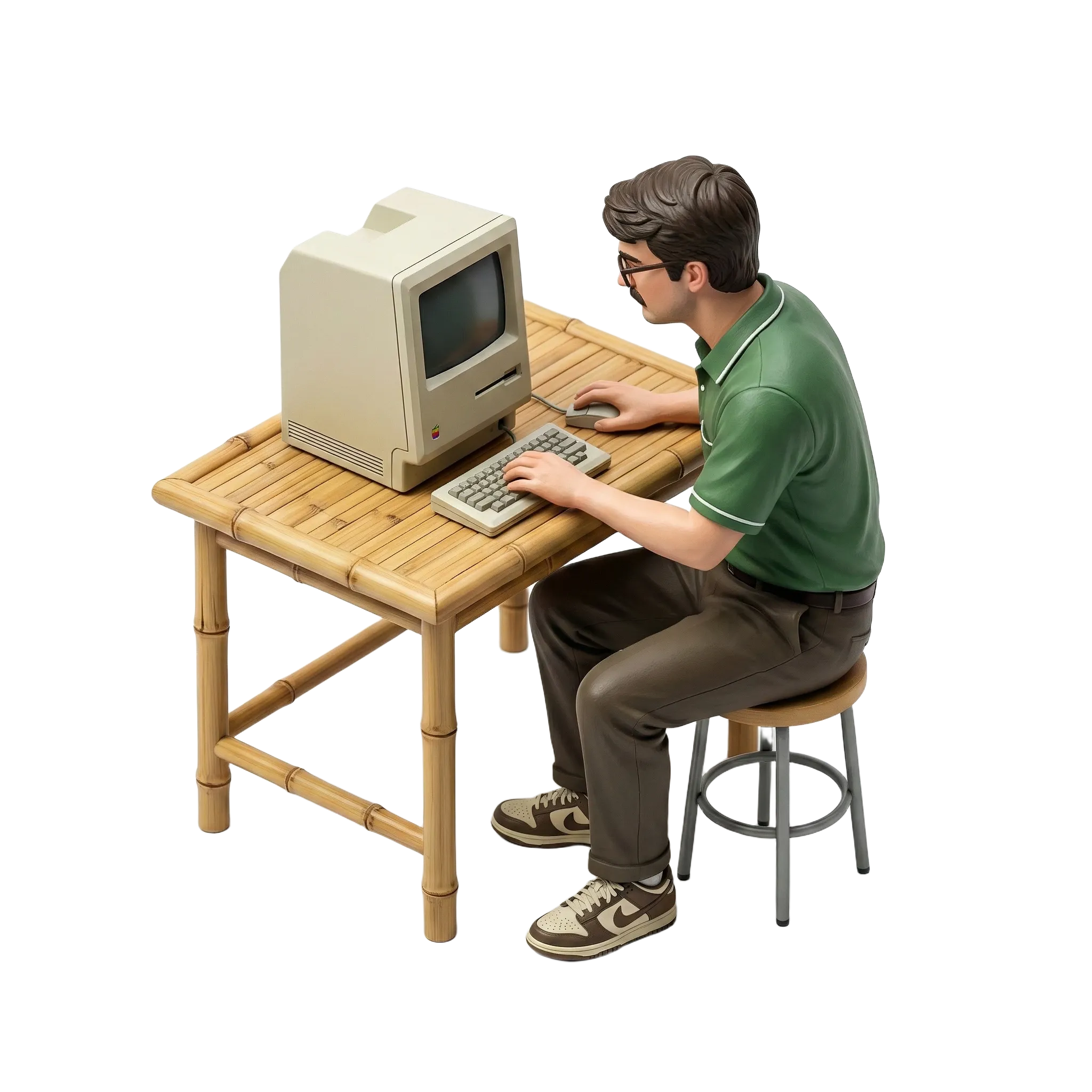
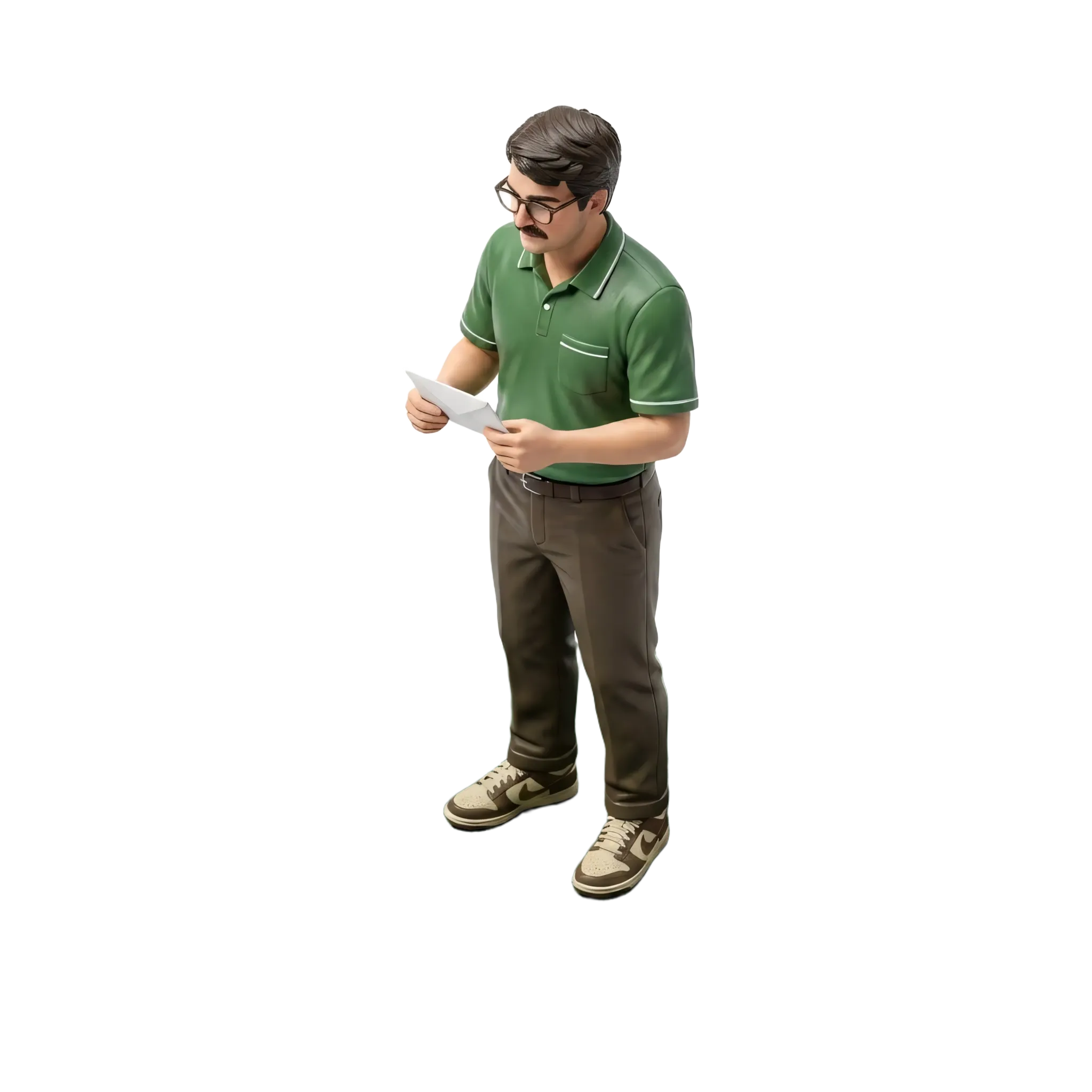
Figurines
Transparent WebP artwork, sized here as a compact set.

Shaughnessy crests


Install
Use the original image URLs and meaningful alternative text. Size the artwork with CSS while keeping its natural proportions.
<img src="https://cdn.shaughv.com/brand/shaughv/logos/SHAUGHV-Official.svg" alt="SHAUGHV" />
<img src="https://cdn.shaughv.com/brand/shaughv/figurines/transparent/figurine-look-at-this.webp" alt="Shaughv at his vintage Mac" />
<img src="https://cdn.shaughv.com/brand/crests/Shaughnessy-Crest.svg" alt="Shaughnessy crest" />
Use both favicon links so the mark follows the browser’s light or dark color scheme:
<link rel="icon" href="https://cdn.shaughv.com/brand/shaughv/favicons/SHAUGHV-Favicon-Dark.svg" media="(prefers-color-scheme: light)">
<link rel="icon" href="https://cdn.shaughv.com/brand/shaughv/favicons/SHAUGHV-Favicon-Light.svg" media="(prefers-color-scheme: dark)">
Usage
For a white wordmark on a dark surface, apply the filter to the image:
.wordmark-on-dark { filter: brightness(0) invert(1); }Transparent figurines have no baked-in background. Solid-background counterparts live one directory up. Preserve the original images; a redraw or new crop should use a new asset name.
Use the footer guide when pairing the wordmark and crest. It provides the separate strengthened footer crest, proportions, and copyable markup.
Reference
The catalog lists every URL and ready-to-use image embed. The crest metadata records original and footer variants, checksums, and proportions. Public access does not grant redistribution rights.
- brand/shaughv/
- logos/SHAUGHV-Official.svg
- favicons/
- SHAUGHV-Favicon-Dark.svg
- SHAUGHV-Favicon-Light.svg
- SHAUGHV-Favicon-Dark-Alt.svg
- SHAUGHV-Favicon-Light-Alt.svg
- figurines/
- figurine-header.webp
- figurine-look-at-this.webp
- transparent/
- figurine-header.webp
- figurine-look-at-this.webp
Every CDN-based site includes both logos with copyright. The footer examples may be used as shown or adapted to the site; preserve the relative logo sizes and aspect ratios.